How Expats Pass Global Interpark Verification
ARC + PASS App Ticket Guide (2026)
The BTS Gwanghwamun concert ticketing was opening in 48 hours. Everything was ready — a Global Interpark account, a stable internet connection, and a finger hovering over the refresh button. Then the identity verification screen appeared, and three attempts in a row returned the same result: "Authentication failed."
The culprit? A single space in a name. The ARC (Alien Registration Card) read "HONG GIL DONG" — but the Korean telecom SIM was registered as "HONG GILDONG." One missing space between two words was enough to lock out K-Pop ticket access entirely. After hours of troubleshooting through expat forums and trial-and-error, the fix was finally found: realigning the name across the ARC, SIM registration, and the PASS app — and passing verification on the very next attempt.
This guide shares that exact process. If living in Korea as a foreign resident and struggling with Global Interpark verification, the ARC + PASS app setup below is the only solution that consistently works in 2026.
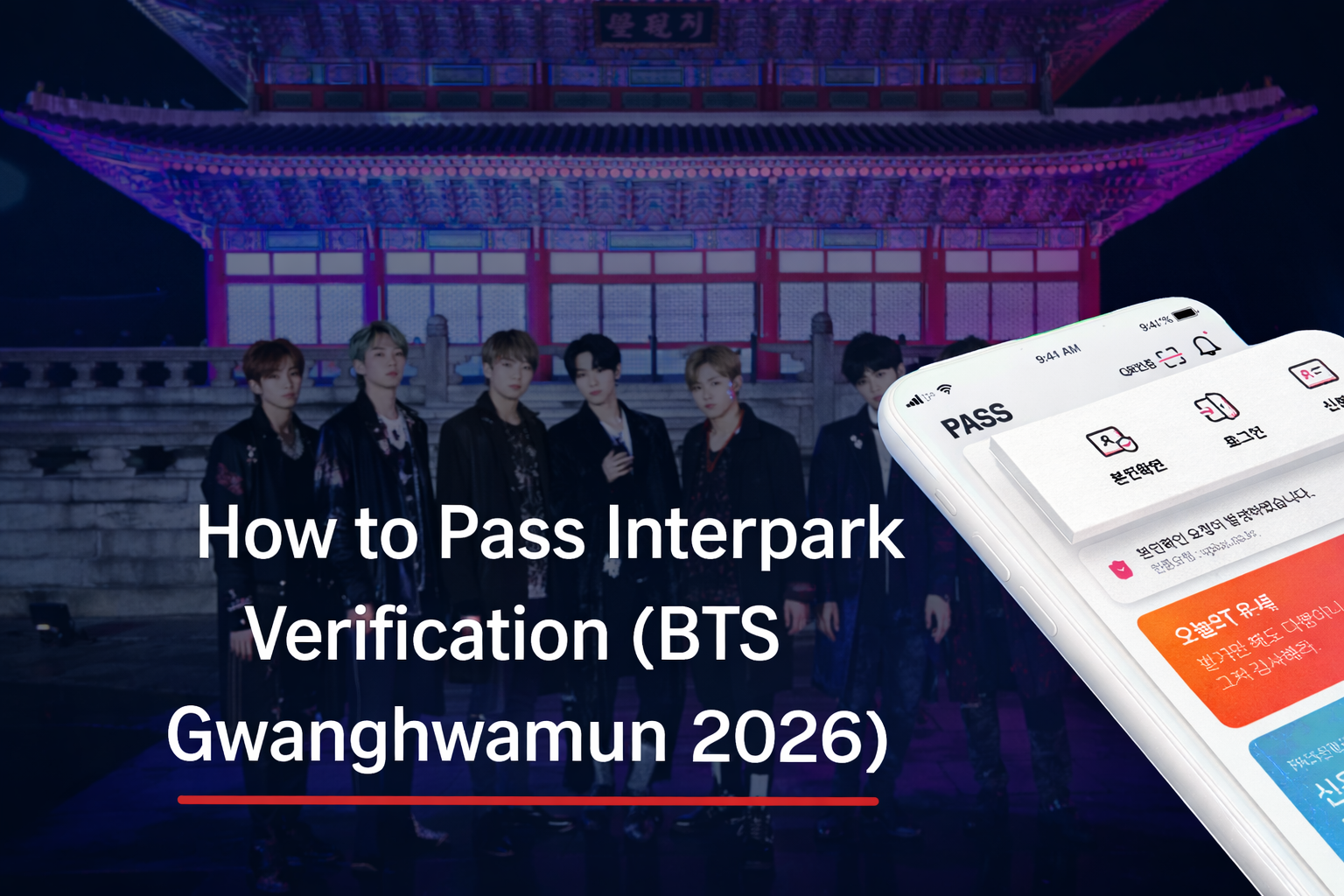
Why Global Interpark Verification Blocks Foreign Fans
Korean ticketing platforms like Global Interpark (NOL World) require real-name identity verification during high-demand ticket sales to prevent bots, scalping, and fraud. This is especially enforced for major K-Pop concerts, including BTS, BLACKPINK, aespa, and NewJeans events.
Many expats can log into Global Interpark just fine, but hit a wall the moment verification is required — with error messages like "Name mismatch" or "Verification unavailable for this number."
Failing Identity Verification as an Expat: What Goes Wrong
The failure is almost always caused by one of the same three root issues — and none of them are obvious until the verification window is already open and the queue clock is ticking.
The most frequently reported error messages include:
- Name mismatch — the name on the ARC differs from the telecom registration
- Verification unavailable for this number — the SIM is a roaming or non-Korean plan
- Authentication failed — the PASS app has not been linked to telecom identity
For a deeper dive into ARC registration mistakes that cascade into these problems, see: 2026 ARC Guide: 5 Common Mistakes That Will Reject Your Application.
How to Pass Global Interpark Verification with ARC & PASS App
The solution lies in understanding Korea's digital identity ecosystem. The PASS app — operated by Korean telecom providers SKT, KT, and LG U+ — is the most widely accepted mobile identity verification tool across Korean online services, including Global Interpark.
The PASS app verifies identity through a combination of three elements:
- ARC information (foreigner registration number)
- Korean phone number registered under the same name
- Telecom biometric or PIN authentication within the app
Once the PASS app is properly configured and linked to a Korean telecom plan registered under the ARC name, the verification process on Global Interpark succeeds immediately. The system recognizes the identity, the queue is maintained, and ticket purchase proceeds normally.
Foreign residents in Korea must use their Alien Registration Card as the primary government-issued ID for all administrative and digital services, making a correctly registered ARC the non-negotiable foundation for any Korean online verification system.
For a complete guide to setting up the PASS app step by step: How to Use the PASS App in Korea: Identity Verification Guide (2026).
Step-by-Step Setup: ARC, Phone Number & PASS App
Preparation must happen before ticketing day. Setting everything up in advance is the only way to ensure verification works instantly under the time pressure of a live K-Pop ticket sale.
| Step | Action | Key Point | Common Mistake |
|---|---|---|---|
| 1 | Get ARC | Primary ID for all Korean systems | Expired or incorrect name spelling |
| 2 | Register Korean SIM | Name must match ARC exactly | Using roaming or foreign SIM |
| 3 | Install PASS App | Select the correct telecom provider | Wrong carrier selected in app |
| 4 | Register ARC in PASS | ARC number + name must match telecom record | Middle name or spacing inconsistency |
| 5 | Test before ticket day | Verify on any Korean portal first | Skipping the test until it's too late |
For foreigners looking for budget-friendly Korean SIM options that support PASS registration: 5 Best Cheap Mobile Plans for Expats in Korea (SIM & eSIM) — 2026.
Ticketing Strategy for Foreign K-Pop Fans in 2026
Passing identity verification is only the first hurdle. K-Pop concerts in Korea sell out in under 60 seconds during peak demand — particularly for BTS solo concerts, group comeback tours, and special events at venues like Gwanghwamun Square, KSPO Dome, and Jamsil Olympic Stadium. A complete ticketing strategy is essential.
Complete Verification Setup in Advance
PASS authentication must be tested and confirmed at least one week before ticketing day. Any mismatch discovered during the live sale means losing a queue position with no recovery option.
Log Into Global Interpark Early
Log into the Global Interpark (NOL World) account at least 20–30 minutes before ticketing opens. Navigate directly to the event page, and refresh until the purchase button becomes active. Avoid logging in for the first time on ticketing day.
Prepare Payment in Advance
- Visa / Mastercard international credit cards
- PayPal (select events)
- Korean bank-issued cards registered in the account
- Kakao Pay (for accounts with Korean banking linked)
Many foreign fans successfully pass verification only to lose tickets during payment because the card is declined or not pre-registered. Add and verify the payment method inside the account before the sale opens.
Use a Stable, High-Speed Internet Connection
During major K-Pop ticket sales, Interpark servers experience extreme traffic. A wired or 5G connection is strongly recommended. Avoid public Wi-Fi. If using mobile data, ensure the PASS app is open and ready to receive the authentication request instantly — this must be confirmed within seconds.
Conclusion
Global Interpark identity verification is solvable for expats. With a correctly registered ARC, a Korean SIM under the exact same name, and a configured PASS app, foreign residents can pass verification and compete for K-Pop concert tickets — including major 2026 events — on equal footing with Korean nationals.
Tickets secured — what comes next? For the BTS Gwanghwamun outdoor concert and other K-Pop events, the night-long look and outfit matter just as much as the ticket itself.
- Buy K-Pop Tickets on NOL World (Interpark Global): 2026 Foreigner Guide — the complete walkthrough from account setup to checkout
- Apgujeong Rodeo 2026: K-Pop Idol Hotspots & Fine Dining Guide — plan the perfect pre-concert dinner in the heart of K-Pop culture


