That exact situation happens to thousands of tourists every week. Whether visiting Gyeongbokgung Palace, chasing K-pop spots around Gwanghwamun, or navigating Seoul with maps and translation apps running all day — battery life runs out fast. Knowing where to find a Seoul public phone charger kiosk, how T-money charge works as a payment option, and what to do when the screen says T-locker full makes the difference between a great day and a stressful one. This guide covers everything needed for portable charger Korea rentals — step by step.
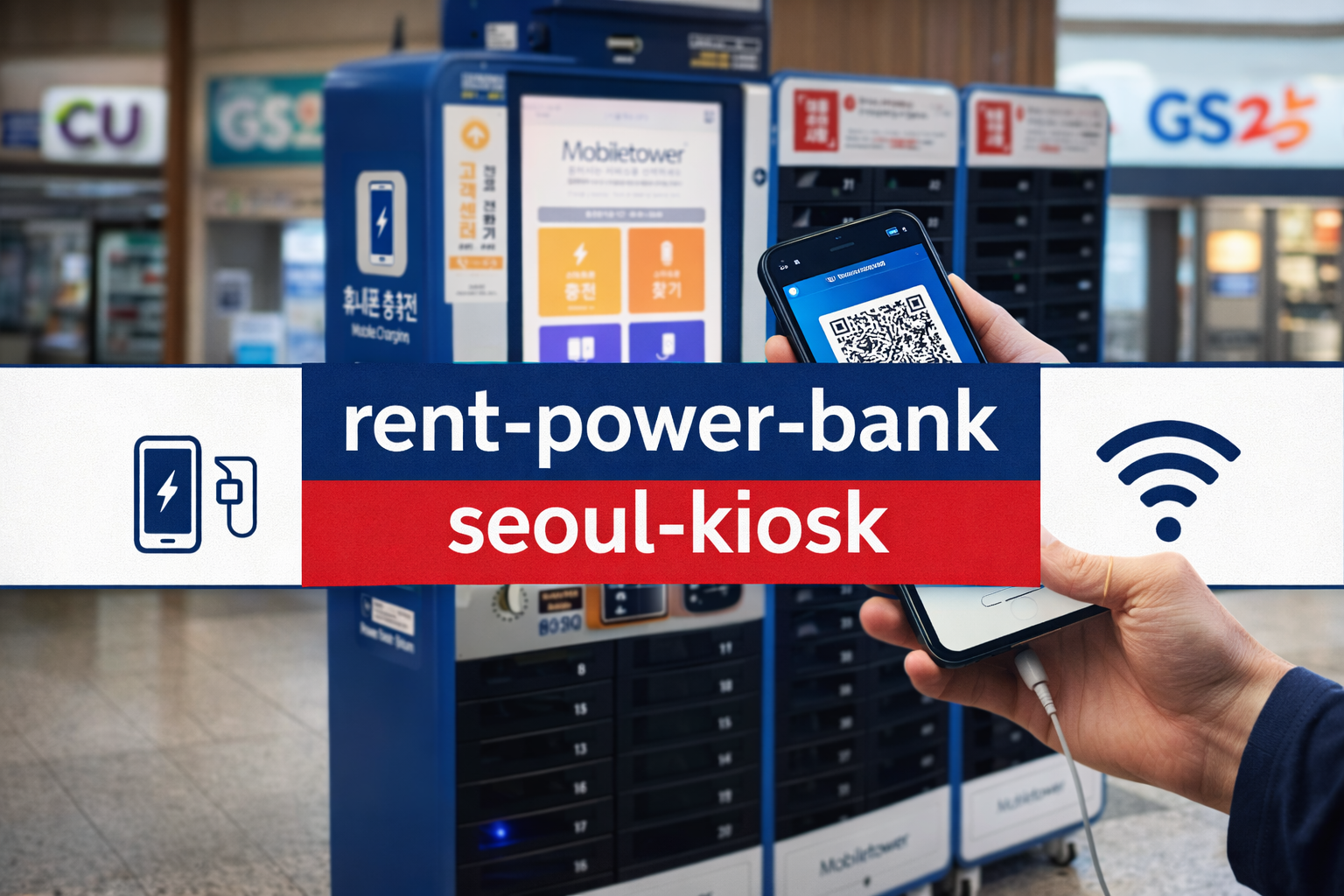
How to Rent a Power Bank in Seoul (Step-by-Step Guide)
Renting a portable charger in Seoul takes less than a minute. Kiosks from services such as ChungJeonDaeji (충전돼지) and Baro Charge (바로차지) are installed throughout subway stations and convenience stores across the city. No Korean phone number is required in most cases — a credit card or mobile payment app is sufficient.
A kiosk is a small, unmanned machine that holds several portable chargers. After payment, one charger pops out automatically. It can be returned to any compatible kiosk — not necessarily the same one. This is called a shared power bank system, very common across Asia and now widely available throughout Seoul.
Step-by-Step: How to Rent a Portable Charger
Typical Rental Pricing (2026)
| Duration | Estimated Cost | Notes |
|---|---|---|
| First 30 min | Free or ₩500 | Promotional pricing varies by brand |
| Per hour | ₩1,000 – ₩2,000 | Most common rate across providers |
| Daily cap | ₩5,000 – ₩10,000 | Capped after 24 hours; provider-dependent |
| Lost / not returned | ₩20,000 – ₩30,000 | Charged automatically to the registered card |
Best Places to Rent Portable Chargers Near Gwanghwamun
Gwanghwamun is one of Seoul's most photographed and visited districts. Between Gyeongbokgung Palace, the National Museum of Modern and Contemporary Art, and Gwanghwamun Square — a landmark associated with major outdoor concerts and K-pop fan gatherings — tourists spend hours on their feet with cameras and maps running non-stop. Battery life drains fast here.
The good news: portable charger Korea kiosks are especially dense in this area due to high tourist foot traffic. Below are the most reliable locations to find a kiosk near Gwanghwamun.
Top Charger Locations Near Gwanghwamun (2026)
| Location | Where to Find Chargers | Why It's Convenient |
|---|---|---|
| Gwanghwamun Station Line 5 |
Inside subway exits and near ticket gates | Central hub; open from early morning to late night |
| Gyeongbokgung Area Line 3 |
CU / GS25 branches near palace entrance | Ideal for travelers photographing the palace all day |
| Bukchon Hanok Village | Cafés and small souvenir shops along the route | Natural rest stops on the walking tour circuit |
| Insadong / Jongno | CU, 7-Eleven, and indoor market entrances | High shop density; easy to find multiple kiosks |
| Cheonggyecheon Stream Area | Convenience stores along the stream path | Popular evening walk; charger needed for night photos |
Open Naver Map or KakaoMap and search for the brand name — "충전돼지" or "바로차지". The map shows the closest kiosk with real-time availability in some cases. This is the fastest way to locate a station without wandering around.
Related guides from Kimchi Land Guide:
→ Naver Map vs KakaoMap: Best Navigation App in Korea (2026) — essential for locating kiosks and tourist attractions
→ Best Korea SIM Cards & eSIMs for Tourists (2026): Airport Pickup Guide — stay connected to use rental apps without issues
→ Kakao T English Guide 2026: Add Foreign Cards & Book Taxis — manage Seoul transport and digital payments in one place
For official tourist information including maps of major Seoul districts, the Korea Tourism Organization travel guide provides up-to-date visitor resources in English.
Payment Methods: T-money Charge and App Payment
One of the most common concerns for tourists is whether a Korean phone number or local account is required to rent a charger. In most cases, it is not required. Below is a breakdown of every payment method available at portable charger kiosks in Seoul.
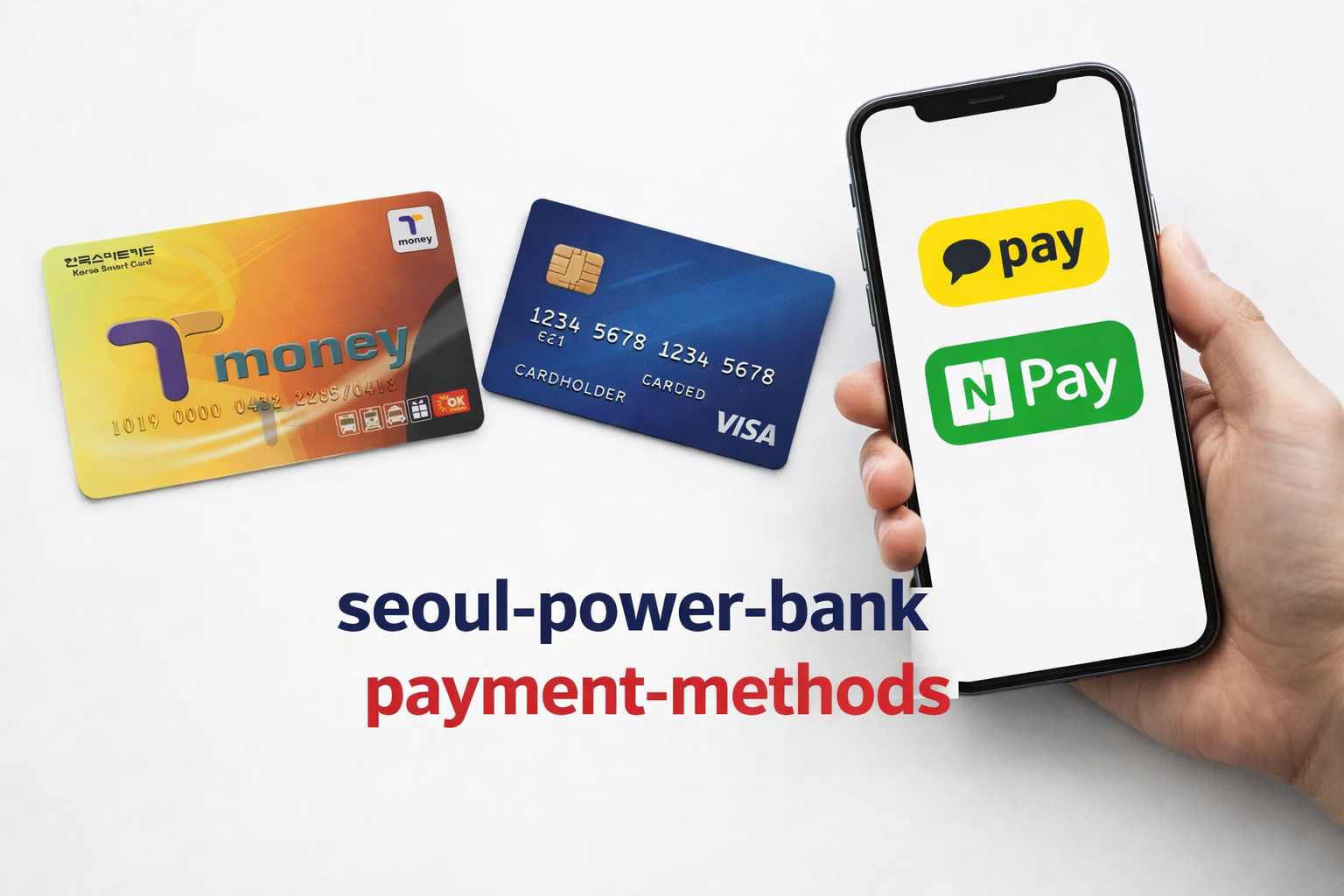
Accepted Payment Methods at Seoul Charger Kiosks
| Payment Method | Available? | Notes for Tourists |
|---|---|---|
| International Credit / Debit Card | Available | Visa, Mastercard accepted at most kiosks — most reliable option for tourists |
| T-money Card | Partial | Accepted at select kiosk brands; confirm on screen before use |
| Kakao Pay / Naver Pay | Available | Can be linked to foreign cards; fastest mobile payment option |
| Apple Pay / Google Pay | Available | Accepted on newer kiosk models; tap-to-pay supported |
| QR Code (Browser Pay) | Available | No app download required — scan, pay, done |
A T-money card is a rechargeable transit card used on Seoul buses and subways — similar to an Oyster Card (London) or Suica (Tokyo). Some power bank kiosks accept T-money balance as payment, letting tourists use a single card for both transport and phone charging. The card is sold at convenience stores and subway station booths from ₩2,500 (card fee) and can be topped up with any denomination.
What Does "T-locker Full" Mean?
When a kiosk screen displays T-locker full or shows all slots as occupied, it means there are no empty return slots available at that particular station. This does not mean the rental service is unavailable city-wide.
Walk to the next nearby kiosk — usually within a few minutes in busy areas like Gwanghwamun or Insadong. The rental app shows real-time slot availability by location, making it easy to find an open return point quickly. Billing continues only until the charger is successfully returned.
For more official visitor resources and maps of Seoul, the Seoul Metropolitan Government English Portal is available in full English and covers transportation, tourism, and digital services for international visitors.
Conclusion
Renting a portable charger in Seoul is fast, affordable, and available across the city — especially around Gwanghwamun. With multiple payment options including T-money charge, credit card, and mobile pay, tourists can stay powered all day without carrying a personal battery pack.
Phone's charged. What's next?
Now that the Seoul survival kit is sorted, it's time to explore the K-culture side of the trip — the fashion BTS actually wears, Olive Young must-buys, and the best K-pop concert ticket platforms used by fans worldwide.
Buy K-Pop Tickets on NOL World (Interpark Global): 2026 Foreigner Guide →More K-culture guides at TalkMaru.com


