Free Public Wi-Fi in Seoul: How to Connect Safely at Gwanghwamun (2026)
True story. During a major outdoor event at Gwanghwamun Square — the kind where the crowd stretched back to Gyeongbokgung — every bar of LTE signal vanished within minutes. Maps refused to load. Kakao T would not open. Even a basic Google search timed out. Over 100,000 people in one square kilometer had silently devoured every bit of available cellular bandwidth.
The only thing that worked? Switching to Seoul_Secure — Seoul's free public Wi-Fi network. Connection was restored in under 30 seconds, and the rest of the night went smoothly.
If you are heading to Gwanghwamun for a BTS concert, a national holiday event, or just a busy weekend — this guide on free wifi Seoul hotspots could be the most useful thing read before the trip.
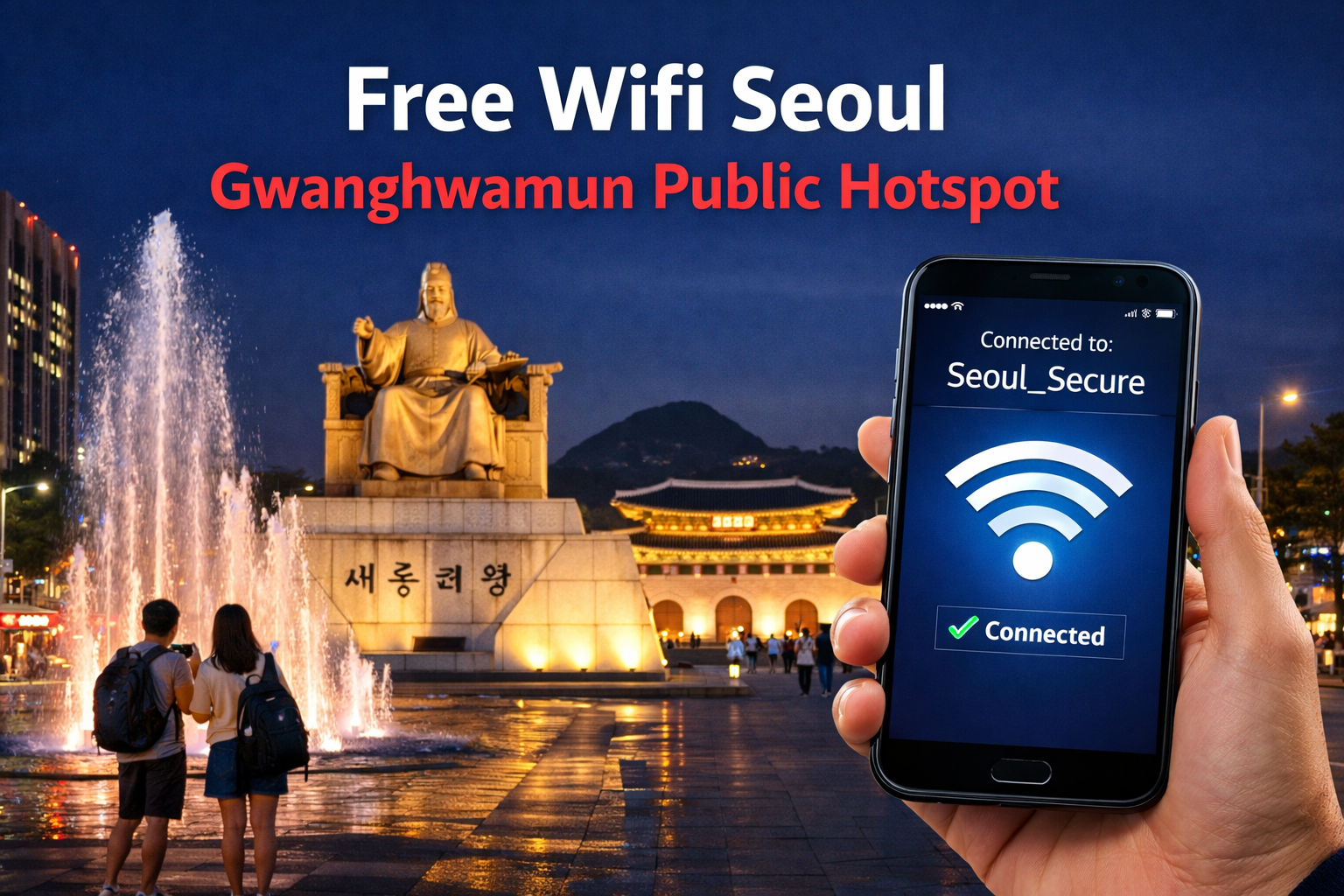
Where to Find Free Public Wi-Fi in Gwanghwamun
Gwanghwamun is home to palaces, government buildings, cultural centers, and some of the city's most-visited subway stations. Seoul Metropolitan Government has wired the entire district with Seoul public wifi hotspots — partly for residents, and largely because events here regularly draw massive crowds that cripple cellular networks.
Network Conditions at Gwanghwamun — Normal Day vs. BTS Concert Day
Normal Day
Concert Day
Concert Day
* Indicative estimates based on typical crowd-day conditions. Actual speeds vary by location and time.
Below are the most reliable free wifi Seoul hotspot locations within the Gwanghwamun district. All networks listed are free and require no payment or SIM registration.
| Location | Available Network | Coverage Type | Best Use |
|---|---|---|---|
| Gwanghwamun Square | Seoul_Public_WiFi Seoul_Secure | Outdoor — Wide | Maps, navigation, SNS, ticketing |
| Gyeongbokgung Palace Entrance | Seoul_Secure | Outdoor — Moderate | Travel apps, translation tools |
| Gwanghwamun Subway Station | Public Transit Wi-Fi | Indoor — Stable | Stable browsing while waiting |
| Sejong Center for the Performing Arts | Seoul_Public_WiFi | Indoor + Outdoor | Event info, ticketing apps |
| Seoul Museum of History | Seoul_Public_WiFi | Indoor | Audio guides, research browsing |
For anyone attending a BTS Gwanghwamun concert or large public event, the hotspot at Gwanghwamun Square is the primary lifeline. The signal covers most of the open-air viewing area, and its fiber backbone means it does not degrade the way cellular networks do as crowd density rises.
BTS Gwanghwamun Concert: Survival Guide for Foreigners Transport, crowd tips, luggage storage, and everything needed for concert day.How to Connect to Seoul Public Wi-Fi (Seoul_Secure)
Seoul_Secure is the recommended network for accessing free wifi Seoul safely. Unlike a fully open hotspot, it uses a simple one-time authentication step — no account, no password, no payment. Once authenticated, most devices reconnect automatically anywhere in Seoul.
Step-by-Step Connection Guide
iOS: Settings → Wi-Fi. Android: Settings → Connections → Wi-Fi. Confirm Wi-Fi is toggled on.
Look for Seoul_Secure or Seoul_Public_WiFi and tap to connect. Do not select any network with a slightly different spelling — those may be fake hotspots.
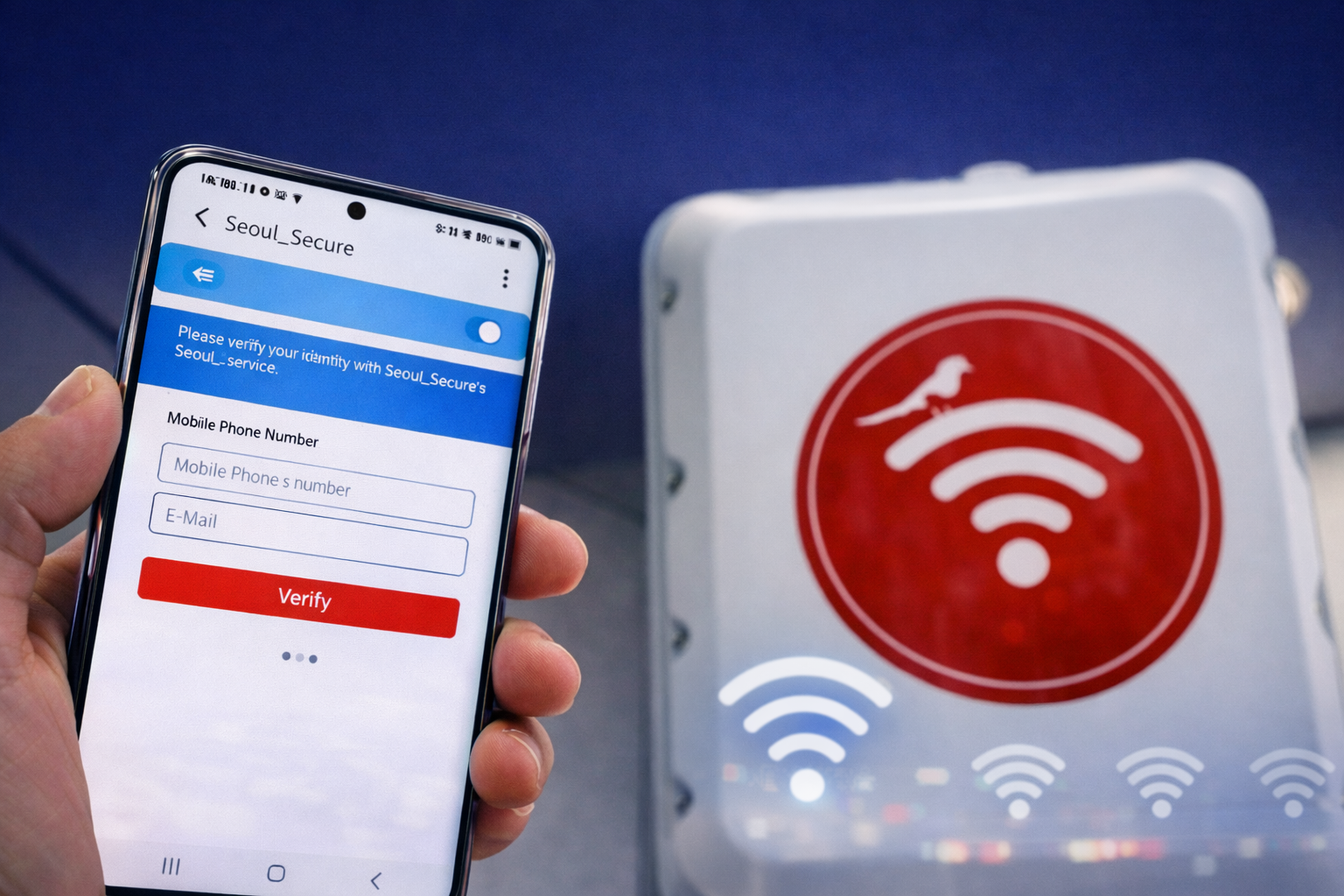
No account or personal information is required. Simply accept the terms and tap the button. Internet access activates immediately.
After the first authentication, the device saves the network. It will reconnect automatically at any Seoul public wifi hotspot across the city — subway stations, parks, cultural centers, and more.
- Wi-Fi is ON on the device
- Network name is exactly Seoul_Secure or Seoul_Public_WiFi
- Browser is open to trigger the authentication page
- Terms accepted — connection is active
For official city information on Seoul's digital infrastructure and tourism services: https://english.seoul.go.kr/
Where to Rest Near Gwanghwamun: 24H Cafes & BTS Concert Tips 24-hour cafes, jjimjilbangs, and rest spots for long concert day waits.Safety Tips for Using Public Wi-Fi in Korea
Public hotspots are fast and free, but using secure internet Korea networks safely requires a few non-negotiable habits. Even well-maintained municipal networks carry some risk when personal devices are not configured correctly. The Korean Financial Intelligence Unit (KoFIU) regularly issues advisories warning travelers about phishing and data interception on public networks.
Essential Safety Practices
- Avoid financial accounts entirely: No banking, no PayPal, no crypto wallets. Use mobile data for anything involving money.
- HTTPS only: Check for the padlock icon in the browser address bar before entering any personal information. Avoid HTTP sites entirely on public Wi-Fi.
- Disable auto-connect: Go to Wi-Fi settings and turn off "auto join" for public networks. This prevents accidental connections to fake hotspots between sessions.
- Log out after every session: Sign out of email, social media, and any account accessed on public Wi-Fi before closing the browser.
- Use a VPN for full protection: Apps such as NordVPN, ExpressVPN, or Mullvad encrypt all traffic end-to-end. This is the strongest protection available and is especially recommended during large events.
- Verify the exact network name: Always confirm the spelling character by character — Seoul_Secure or Seoul_Public_WiFi. Fraudulent hotspots sometimes use names like "Seoul_Securee" or "SeoulFreeWifi" to trick users.
A fake hotspot is a Wi-Fi network deliberately created to look like a legitimate public network. When a device connects to it, the person running it can intercept usernames, passwords, and all browsing activity in real time. This type of attack — called a "man-in-the-middle" attack — requires no hacking skills and is surprisingly common in crowded tourist areas worldwide. The simplest defense is verifying the exact network name before connecting.
Following these steps makes it entirely safe and practical to use Gwanghwamun wifi throughout the day — whether navigating between subway lines, finding a restaurant, or sharing content live from a BTS Gwanghwamun concert.
Gwanghwamun Solo Dining: 7 Spots (BTS Concert Guide) Best solo-friendly restaurants near Gwanghwamun — ideal for concert day meals.On concert day at Gwanghwamun, Seoul_Secure is the only reliable internet lifeline when 5G collapses under crowd pressure. Connect once, follow basic safety rules, and enjoy seamless access to maps, apps, and everything needed to make the most of Seoul in 2026.


