Naver Pay & Kakao Pay: Foreigner Registration & Payment Master Guide (2026)
The look on the convenience store clerk's face the first time cash was handed over in Seoul is something that stays with you. Everyone around was tapping their phones, and there was a moment of genuine confusion standing at the counter. That experience was the beginning of a steep — but very worthwhile — learning curve through Korea's cashless society. This guide is the result of going through Naver Pay foreigner registration and Kakao Pay setup Korea firsthand, surviving multiple PASS authentication failures along the way, and finally cracking the full Korea digital wallet setup process. If mobile payment Seoul still feels out of reach, every step needed to get there is covered here.
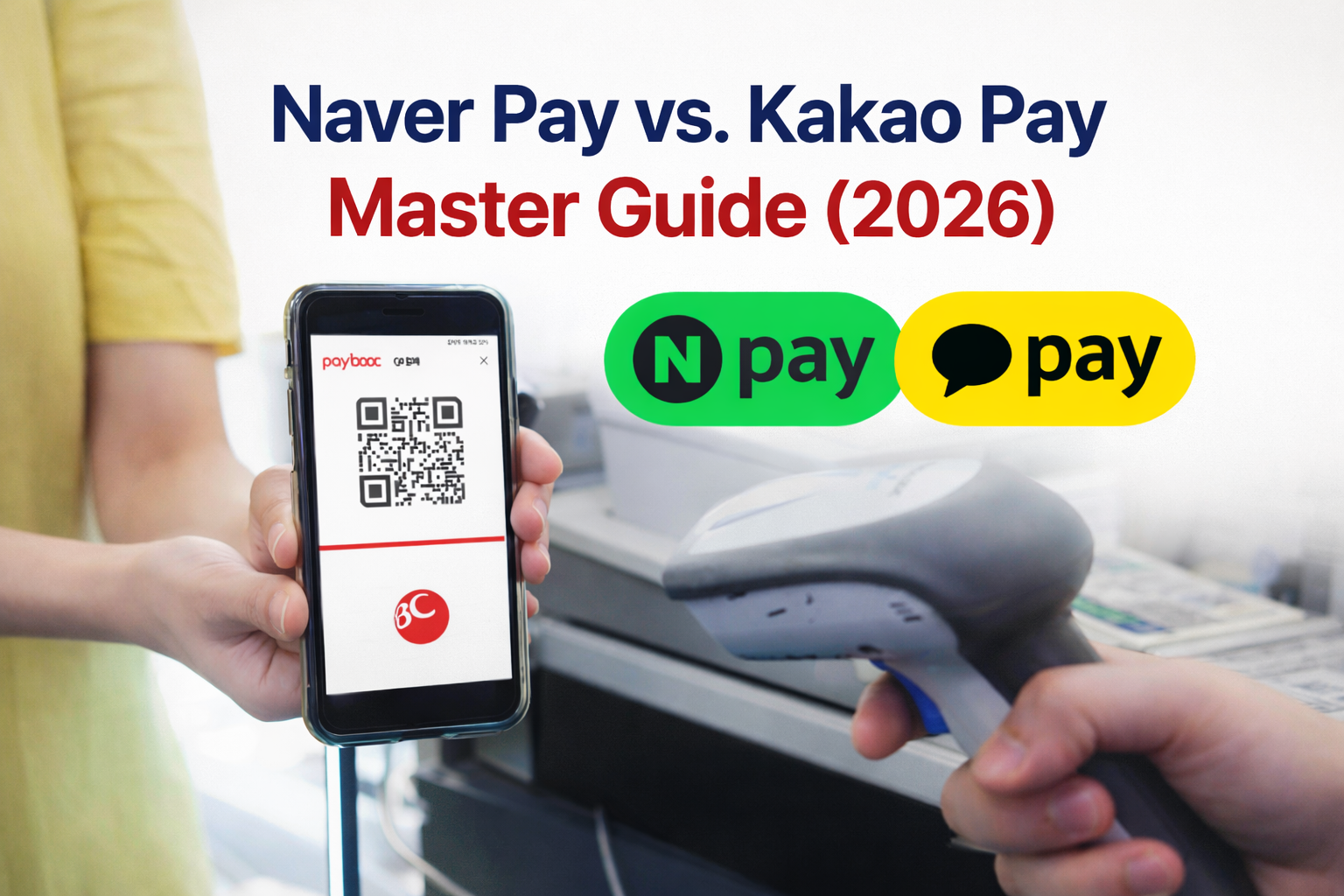
Requirements for Foreigners to Use Korean Digital Wallets
Before either Naver Pay or Kakao Pay can be used, several identity verification steps must be completed. These requirements exist because Korean fintech services rely on telecom-based authentication systems that cross-reference immigration and banking databases simultaneously.
Korean financial institutions follow strict real-name verification laws. Every piece of information — from name spelling to phone registration — must match across all government, telecom, and banking databases. Even a single character mismatch will cause registration to fail.
| Requirement | Why It Is Needed | Notes for Foreigners |
|---|---|---|
| Alien Registration Card (ARC) |
Primary identity verification | Name must match telecom registration exactly |
| Korean Phone Number |
Mobile authentication via PASS | Must be postpaid & registered with real name |
| Korean Bank Account |
Funding source for payments | Must be opened with ARC at a Korean bank |
| PASS Authentication |
Mobile identity verification | Most common error point for foreigners |
Foreigners who recently arrived should allow time for ARC data to sync across government systems before attempting registration. Official administrative procedures can be verified at the HiKorea Immigration Portal.
→ 5 Easy Steps to Open a Korean Bank Account (2026 Foreigner Guide)Step-by-Step Naver Pay Setup for Foreigners
Naver Pay is Korea's largest digital payment platform, deeply integrated into online shopping, restaurant reservations, and in-store QR payments. Once identity verification is complete, foreign residents can use it as smoothly as any Korean citizen.
Naver Pay Registration: Step-by-Step
Available on both the Apple App Store and Google Play Store. Search for "Naver" — the official app has a green N logo.
Registration requires a Korean phone number for SMS verification. Use the postpaid SIM registered under the ARC name.
Tap the wallet/pay icon within the app. On some versions it appears in the bottom navigation bar or the main menu grid.
This initiates the identity verification flow. ARC number and date of birth will be required at this stage.
PASS is a telecom-based identity verification app. A 6-digit code or biometric confirmation will be sent to the registered phone. This is the most common failure point for foreigners — see the PASS error fix guide below.
Enter the bank account number and verify with a small deposit confirmation (1 won transfer). KB, Shinhan, Hana, and Woori are all supported.
Once the account is linked, both in-store QR payments and online checkout payments are enabled immediately.
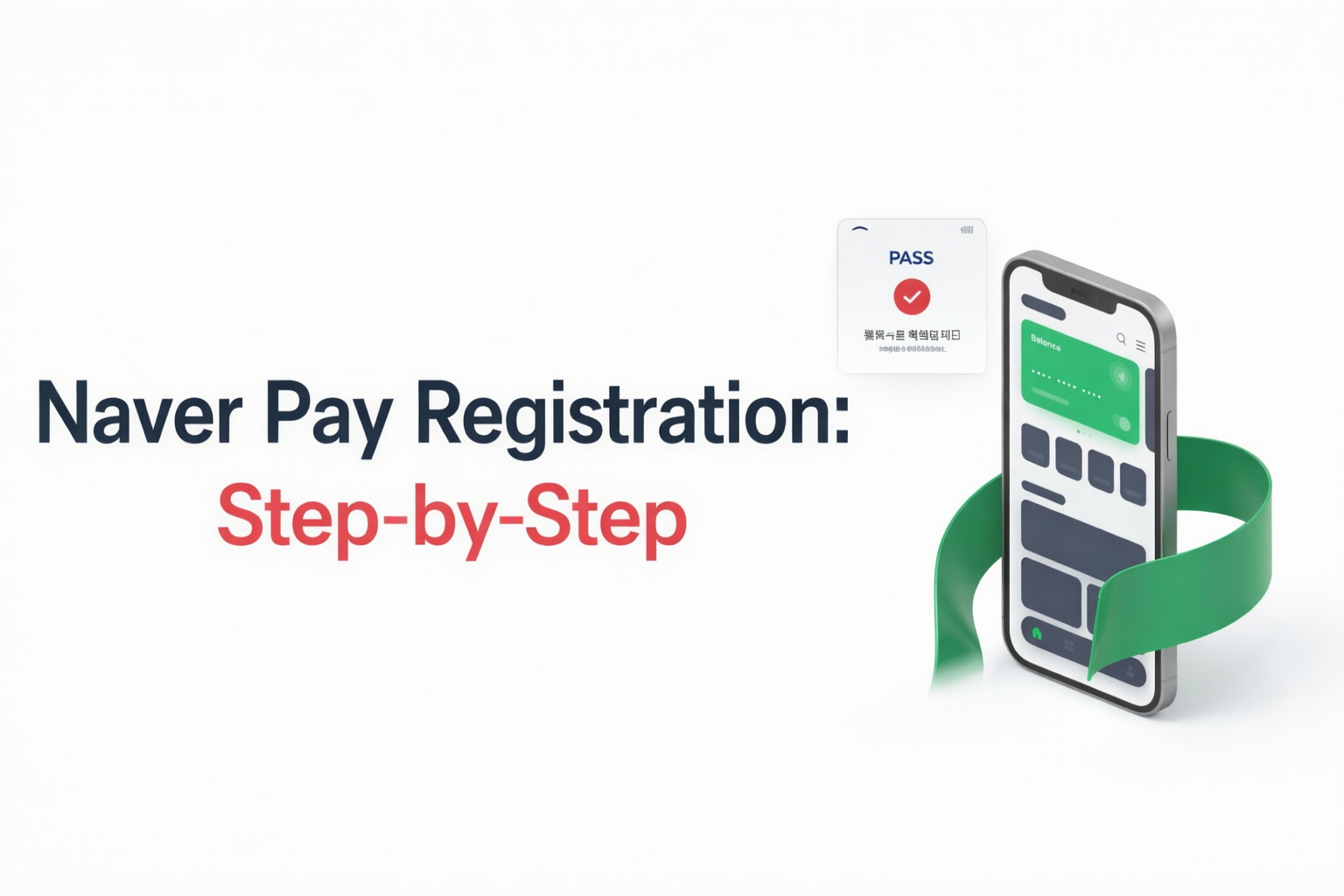
After activation, Naver Pay can be used for:
- Online shopping on Naver Smart Store — Korea's largest e-commerce platform
- QR payments at convenience stores (GS25, CU, 7-Eleven)
- Transportation, food delivery, and café payments
- Peer-to-peer transfers to other Naver Pay users
- Subscription services and digital content purchases
Step-by-Step Kakao Pay Setup in Korea
Kakao Pay is embedded directly inside the KakaoTalk messenger app — the platform used by virtually every person living in Korea. Because most foreigners already install KakaoTalk within their first days in Seoul, Kakao Pay setup often feels more intuitive than Naver Pay.
Kakao Pay Setup: Step-by-Step
Download from the App Store or Google Play. Create an account using the Korean phone number registered under the ARC name.
Inside KakaoTalk, tap the three-dot menu (⋮) in the bottom right, then select "Pay." The yellow pay icon will appear.
Kakao Pay will prompt for ARC number, date of birth, and the registered phone number. Fill in each field accurately.
A PASS verification request will be sent to the registered phone. The PASS app must already be installed and linked to the same telecom account.
Enter bank account details. A micro-deposit verification (1 won) confirms ownership of the account.
This PIN is required for every payment authorization. Biometric (fingerprint/Face ID) can be enabled as an alternative after initial setup.
After setup, Kakao Pay enables:
- Money transfers directly through KakaoTalk chat windows — as simple as sending a message
- QR code payments at stores, markets, and restaurants across Korea
- Taxi payments via Kakao T and public service fees
- Online shopping checkout across thousands of Korean websites
- Kakao Pay Insurance and financial product access (for long-term residents)
2026 Updates: What Changed for Foreigners
Two major changes in 2026 have made Korean digital wallets significantly more accessible for foreigners — especially tourists and short-term visitors who previously could not participate in the cashless ecosystem without a full Korean bank account.
1. International Credit Cards (Visa / Mastercard) Now Directly Linkable
As of 2026, Kakao Pay and Naver Pay have expanded their services to allow tourists and short-term visitors to link select international credit cards (Visa/Mastercard) directly, even without a Korean bank account. This is a significant shift from previous years, when a local bank account was an absolute prerequisite for any Korean mobile payment. However, for full peer-to-peer transfers and comprehensive online shopping functionality, linking a local Korean bank account remains highly recommended.
2. Mobile ID (모바일 신분증) — No Physical ARC Required Anymore
The physical Alien Registration Card no longer needs to be carried everywhere. Once PASS is verified, a Mobile ID can be issued directly within the PASS app or KakaoTalk app. This digital ID is legally recognized in 2026 for adult verification at convenience stores and for domestic flight boarding — making daily life in Korea dramatically more convenient for long-term foreign residents.
PASS Verification Errors Foreigners Face (Fix Guide)
The PASS identity verification system is the single biggest obstacle foreigners encounter when setting up Korean digital wallets. PASS is operated by Korea's three major telecom carriers — SKT, KT, and LG U+ — and serves as a government-recognized digital identity tool used across banking, finance, and administrative services.
| Error Type | Root Cause | How to Fix It |
|---|---|---|
| Name mismatch | ARC name spelling differs from telecom registration | Visit the telecom store with ARC and request a real-name correction |
| ARC not recognized | Immigration database not yet synced after ARC issuance | Wait 1–3 business days after receiving ARC, then retry |
| Authentication failure | Prepaid SIM or tourist SIM not supported by PASS | Switch to a postpaid plan (월정액) at SKT, KT, or LG U+ store |
| Bank account rejection | Name on bank account does not match ARC exactly | Visit the bank branch with ARC and request a name correction |
| PASS app error code | PASS app not linked to current SIM telecom carrier | Uninstall and reinstall PASS app, re-register with the current carrier |
The Most Reliable Fix: Telecom Store Visit
If PASS verification continues to fail after multiple attempts, the most reliable solution is to visit a telecom carrier store in person — bring the Alien Registration Card and request a "real-name verification reset" . Store staff can check whether the name, date of birth, and ARC number in their system match exactly — and correct any discrepancy on the spot.
→ How to Use the PASS App in Korea: Identity Verification Guide (2026) → Survive Your First 7 Days in Korea: ARC & Bank Setup 2026Once PASS verification is successfully completed, both Naver Pay and Kakao Pay can be fully activated within minutes — opening full access to Korea's mobile-first payment ecosystem for daily shopping, dining, transport, and money transfers.
Conclusion
Setting up Naver Pay and Kakao Pay as a foreigner in Korea requires an ARC, a postpaid Korean SIM, and a bank account — but once PASS verification clears, full access to Korea's cashless payment ecosystem is immediate. And in 2026, international card linking and Mobile ID make the process more accessible than ever.
With Kakao Pay and Naver Pay fully set up, the next step is putting them to good use. From Olive Young sale hauls to K-beauty finds, explore what to spend on in Seoul:
→ Beauty of Joseon at Olive Young: The Complete Guide for 2026
→ Best Premium K-Beauty Hair Care Brands in 2026 (Beyond Olive Young)


