Searching for transport apps in Korea? The first question foreigners ask is why Google Maps doesn't work in Korea. This complete guide explains Google Maps limitations for tourists and residents in Seoul, Busan, and nationwide. Discover Naver Map vs KakaoMap comparison, public transit details, and best navigation choices for driving, walking, and subway. Optimized for PC, tablet, and mobile devices.
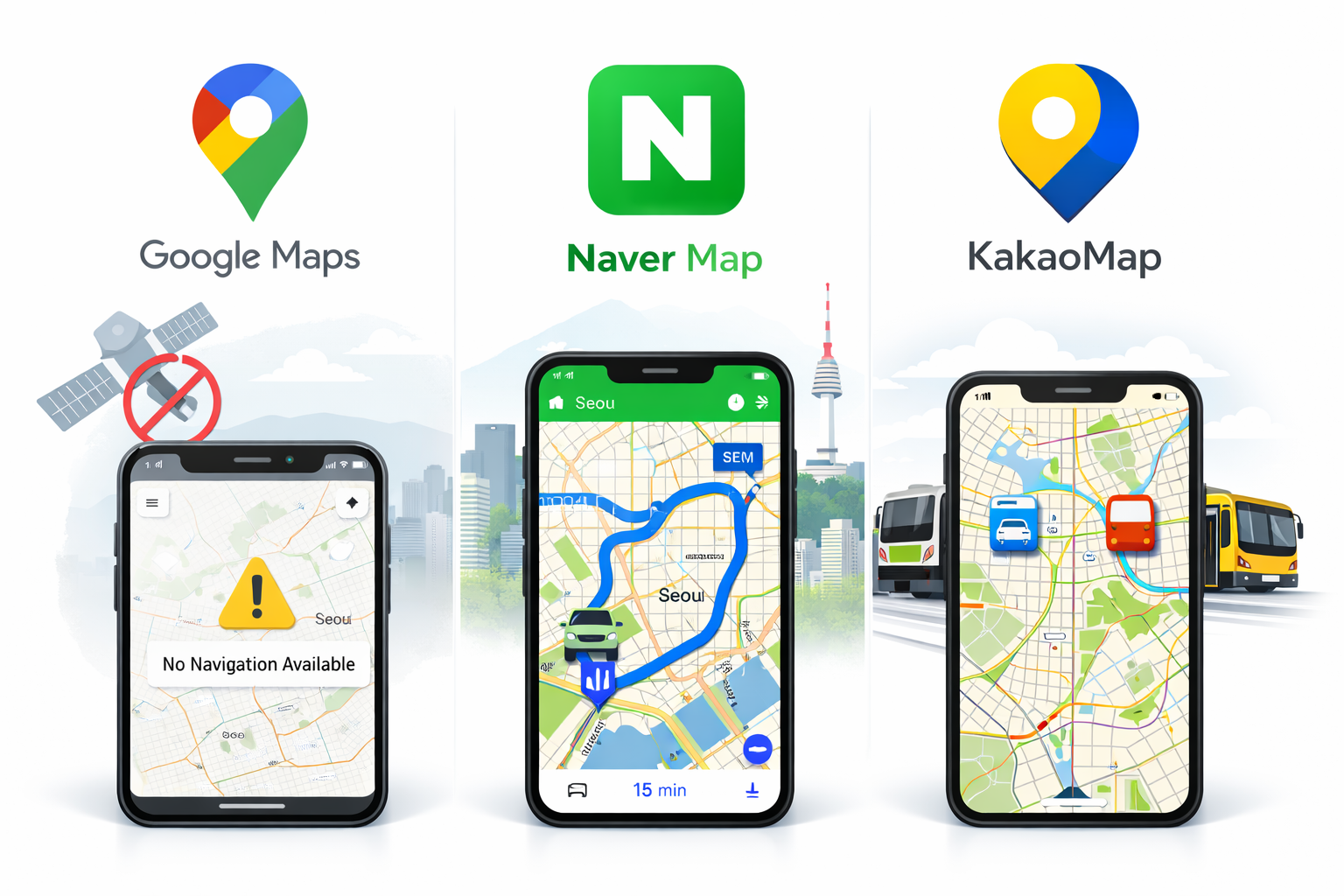
Why Google Maps Doesn't Fully Work in Korea
South Korea restricts high-resolution mapping data export due to national security regulations. Detailed map data cannot be sent to overseas servers, so Google Maps (using global servers) lacks full access to Korea's navigation database. This creates navigation challenges for foreigners arriving at Incheon Airport or exploring Seoul streets.
- No turn-by-turn driving directions – Critical for rental cars or taxis
- Limited walking routes – Often inaccurate building entrances
- Inconsistent public transit data – Subway and bus times unreliable
- Missing real-time traffic updates – No live congestion info
This policy affects all foreign mapping apps. For reliable travel info, check the Korea Tourism Organization official site.
Korea Map Data System & How Transport Apps Work
Local companies like Naver and Kakao maintain servers inside Korea, complying with regulations for full high-resolution data access. Beginners should download these apps immediately upon arrival – they provide lane-level precision impossible on Google Maps.
Key advantages for foreigners:
- Real-time traffic with lane guidance – Essential for Seoul highways
- Exact building entrances – Shows precise doors for restaurants/hotels
- Integrated T-money card support – Balance checks and recharge
- Live subway/bus arrivals – Accurate to the minute
Naver Map vs KakaoMap: Complete Feature Comparison
Choose the best transport app based on your needs. This table compares key features for beginners navigating Korea.
| Feature | Naver Map | KakaoMap |
|---|---|---|
| English Support | Full UI & Voice Directions | Partial UI Translation |
| Driving Navigation | Lane-Level Precision | Excellent Real-Time |
| Public Transit | Detailed Subway Maps + Bus Timetables |
Strong Bus Integration |
| Reviews & Photos | 10M+ Local Reviews | KakaoTalk-Linked Ratings |
| Offline Maps | Limited Coverage | Limited Coverage |
| File Size | ~300MB | ~250MB |
Official downloads: Naver Map | KakaoMap. Naver Map wins for most foreigners due to superior English support.
Best Transport App by User Situation
Tourists (1-30 Days Stay)
Download Naver Map first. English voice navigation guides you from Incheon Airport to hotels. Use subway app for simple metro trips – shows exact exits and transfer times.
Long-Term Residents & Expats
Combine both apps: Naver for daily commuting, KakaoMap for local discoveries. Both integrate with delivery apps like Coupang Eats.
Drivers & Rental Cars
Naver Map provides highway lane guidance. Kakao Navi offers alternative routes during peak hours.
Seoul details: Visit Seoul Portal.
Public Transportation Apps & Seoul Navigation
Korea's transit system ranks among world's best. Local apps show real-time arrivals accurate to 1 minute, congestion levels, and optimal transfers – features Google Maps cannot match due to data restrictions.
- Exit numbers: Guides to correct subway exits (100+ per station)
- T-money balance: Check remaining fare without opening wallet
- Wheelchair accessibility: Elevator/escalator locations marked
- Multi-language announcements: English/Japanese/Chinese support
Final Recommendation: Choose Your Transport App
Naver Map is the top transport app in Korea for 90% of foreigners. Download before arrival for seamless navigation from airport to accommodation. Use KakaoMap as backup for local insights. Avoid sole reliance on Google Maps to prevent getting lost in complex Seoul streets. (128 characters)


